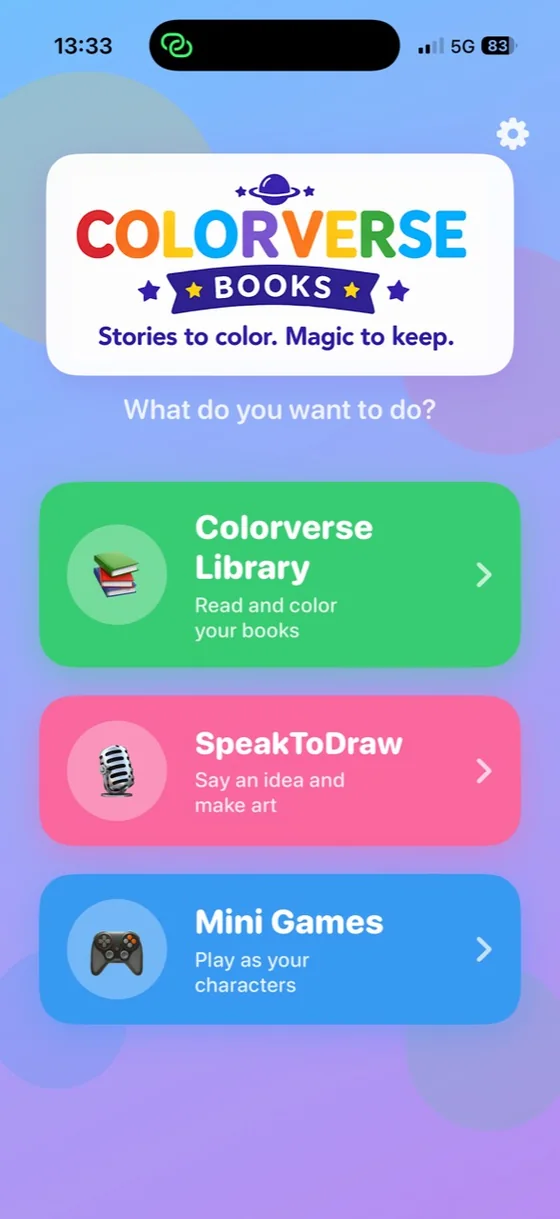
A digital keepsake they can color
Turn 12 favorite photos into a coloring book
Make your first 2 pages free. Love them? Finish all 12 and download the book for $4—one time.
Make 2 pages freeFree account required · No card for the first 2 pages · Digital PDF · No subscription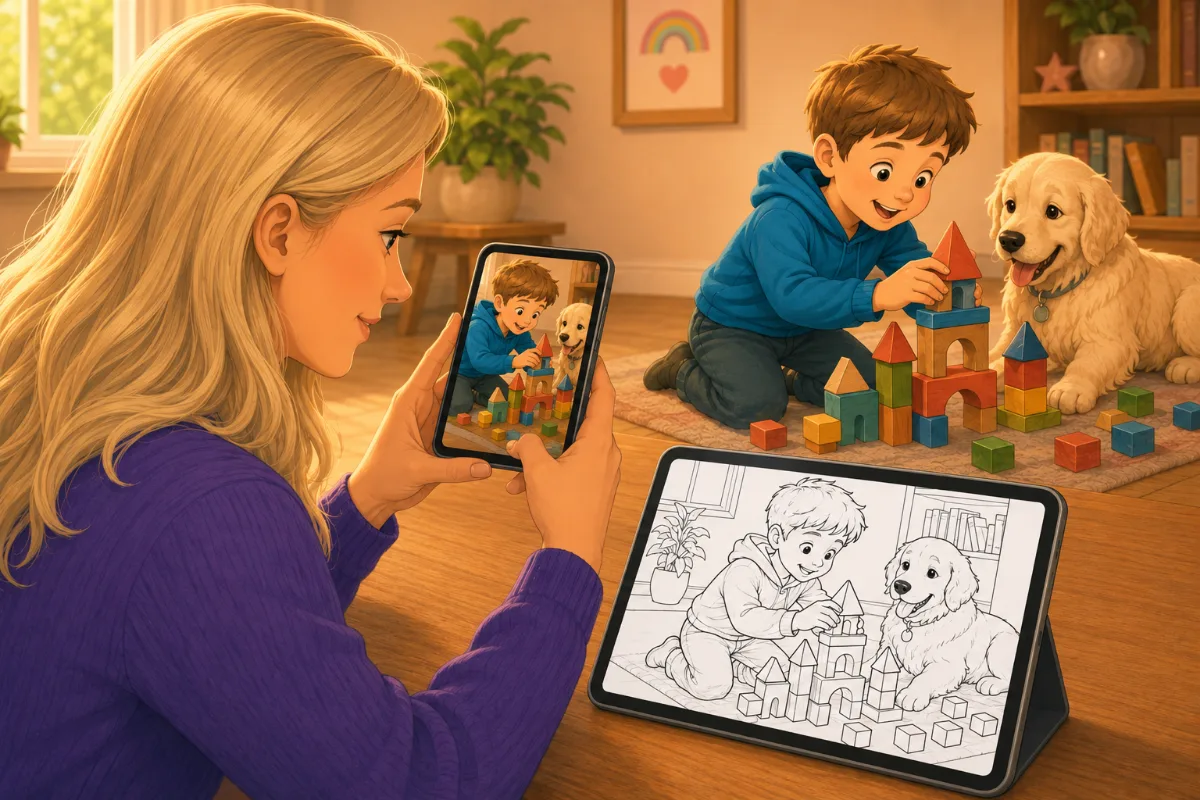
Three simple steps
See the quality before you pay
- 1Create your free account and choose 2 photos
Use photos you have permission to share. No card required.
- 2Review both coloring pages
Replace a failed photo without losing a page.
- 3Finish all 12 for $4
Add 10 more photos and download one digital book.
Build your digital book
Start with 2 pages—free
A free account keeps private pages together. Sign up before choosing photos so both pages can be saved securely.
Exactly what you get
A private, digital-only 12-page coloring book
- 12 successful coloring pages made from 12 photos
- One downloadable PDF kept in your private Library
- Individual PNG pages for printing or coloring digitally
- No subscription and no shipping—this product is digital only
Included with your finished book
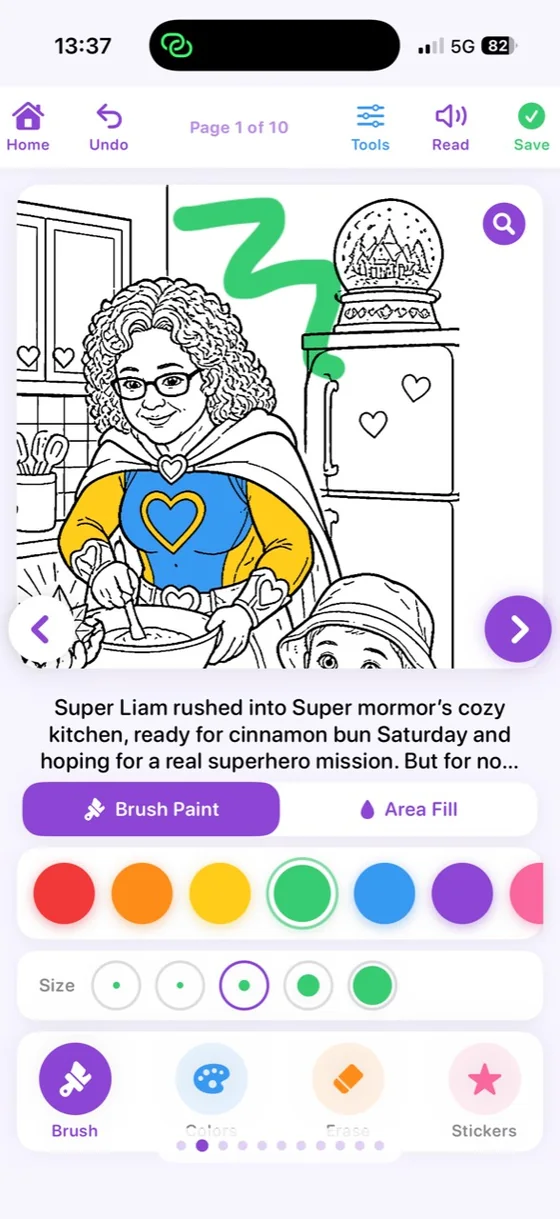
Open all 12 pages in the Colorverse app
When all 12 pages are complete, your photo coloring book appears in your private Colorverse Library. Open it on iPhone or iPad and color wherever inspiration strikes.
- Your finished book, ready in LibrarySign in with the same Colorverse account you used to create it.
- Made for hands-on coloringUse Brush Paint, Area Fill, color palettes, eraser, and stickers.
- Use it your wayColor in the app or download the digital PDF to print at home.
The free two-page preview and books still being made do not appear in the app’s Books shelf.